Waveform
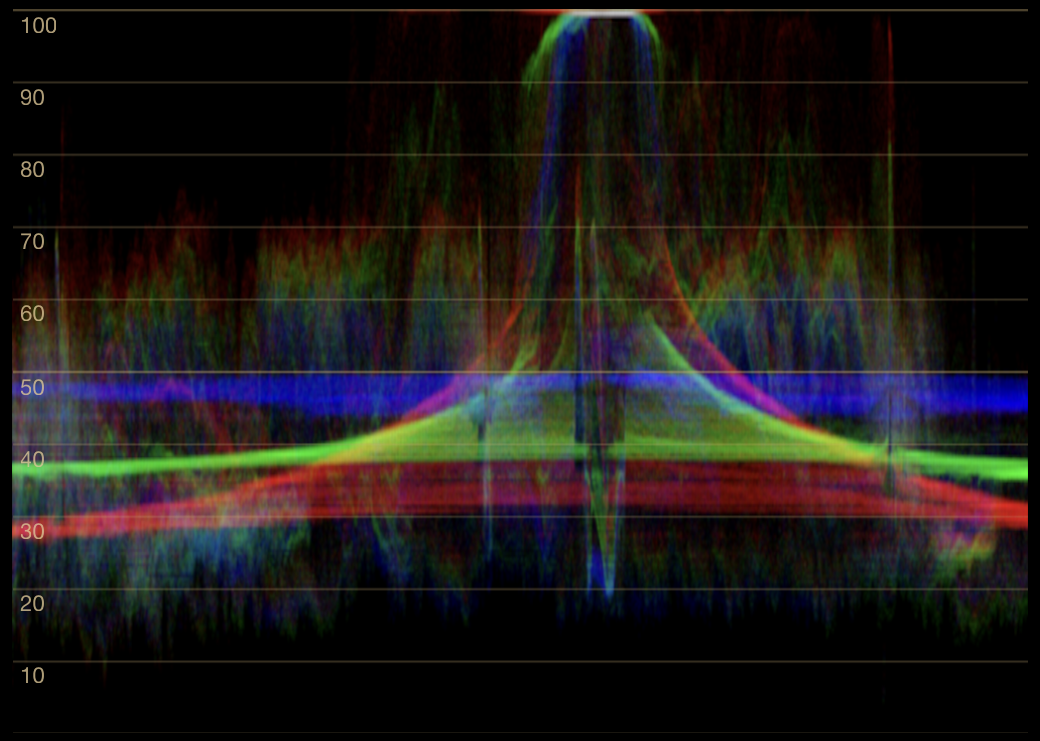
Waveform overlays the red, green, and blue channel levels while preserving horizontal position in the selected region.
Axes and trace
The horizontal axis corresponds to the selected region from left to right. The vertical axis is captured channel level, normalized from 0 at the bottom to 100 at the top. This is a full-range display-code scale, not a legal-range video scale or a direct measurement of scene luminance.
Every sampled pixel contributes one point to each channel trace. A vertical slice of the waveform therefore shows the levels present in the corresponding image column. It does not fill every value between the darkest and brightest sample unless pixels at those intermediate values are present.
The traces are drawn in red, green, and blue. Where they coincide, the display may appear gray or white; where they separate, the channel colors remain visible. Trace brightness represents density.
Channel relationships
In an area expected to be neutral, aligned channel traces indicate equal RGB values. If blue is higher than red and green in that area’s highlights, the rendered highlights have a blue bias. If the separation occurs only in the shadows, the bias is confined to that tonal range.
The same separation over a colored subject is descriptive rather than diagnostic. A blue sky should produce a stronger blue channel. Narrowing the region to a known reference is often more useful than interpreting the whole frame.
The vertical distance between channels is a difference in captured code value. It is not a color-temperature scale and should not be described in kelvins, stops, or perceptual difference without an additional conversion.
Endpoints and clipping
A dense horizontal accumulation at 0 or 100 means many captured samples have reached that endpoint. This can indicate clipping or crushing in the rendered output, but the scope alone cannot identify why:
- the source may already be clipped;
- an application transform or grade may have clipped it;
- tone mapping may have placed values at the display endpoint;
- the subject may contain legitimate flat black or white pixels.
SideScopes cannot determine whether a RAW file, source clip, timeline, or other pre-display stage retains recoverable detail. Inspect the source application’s own signal path when that distinction matters.
Useful comparisons
Waveform is well suited to comparing:
- channel balance within a verified neutral;
- shadow, midtone, and highlight biases separately;
- the horizontal location of a bright or dark feature;
- before-and-after rendered output through the same display path.
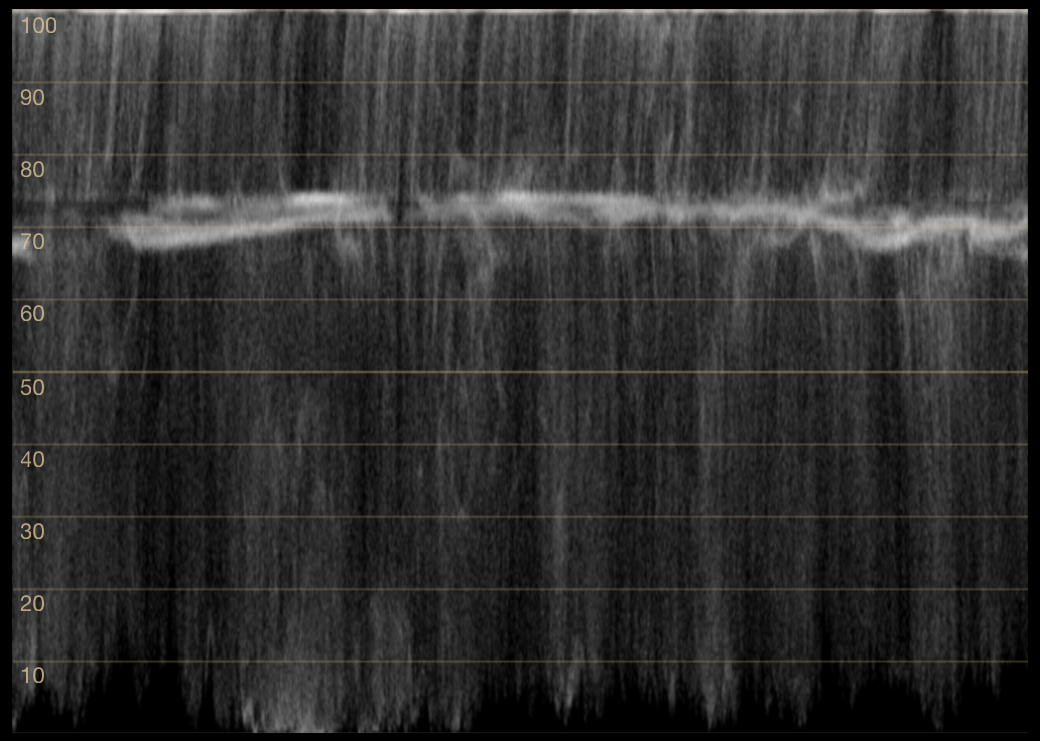
For a single tonal trace, use Luma Waveform. To separate overlapping channels, use RGB Parade.
Reference: Adobe’s official Lumetri scopes guide and Apple’s Final Cut Pro scopes guide describe the same positional waveform conventions in established grading tools.