Vectorscope
The vectorscope plots chroma independently of level and image position. Angle indicates hue; radial distance indicates chroma in the scope’s encoding.
Axes and trace
Each captured RGB sample is converted to two chroma coordinates and plotted on a square field:
- the angle around the center corresponds to hue;
- the distance from the center corresponds to chroma magnitude;
- the center represents equal-channel neutrals, from black through gray to white.
Level is discarded. A dark blue and a light blue can therefore occupy the same chroma position. Use a waveform when level or tonal range matters.
Brightness within the vectorscope trace represents sample density. Dense populations draw more strongly than sparse ones. Increasing trace intensity or lowering trace gamma can reveal sparse populations, but neither changes their plotted chroma coordinates.
Reading the shape
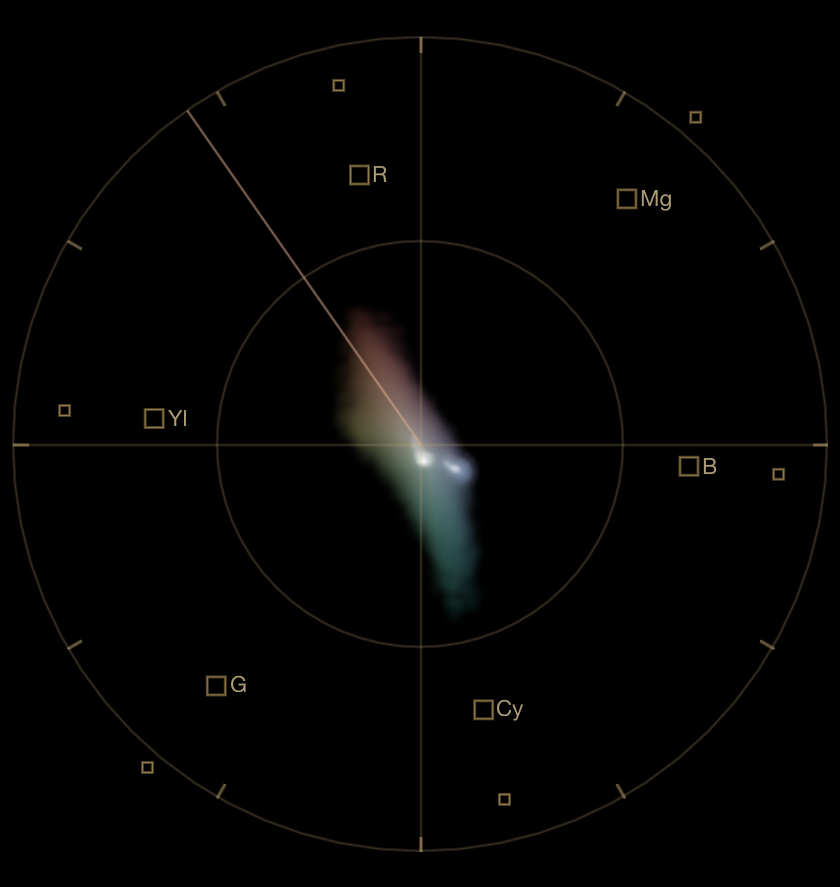
Extensions toward a hue identify pixel populations in that direction. A red object can form an arm toward red; foliage can extend toward green; a blue sky can dominate the blue–cyan area. These shapes describe subject matter and rendering, not errors by themselves.
A displacement near the center can be useful evidence of a color bias when the selected region contains a known neutral or is expected to balance around neutral. Over a whole image, an off-center trace may instead reflect the scene’s actual color distribution or an intentional look.
Targets and skin-tone indicator
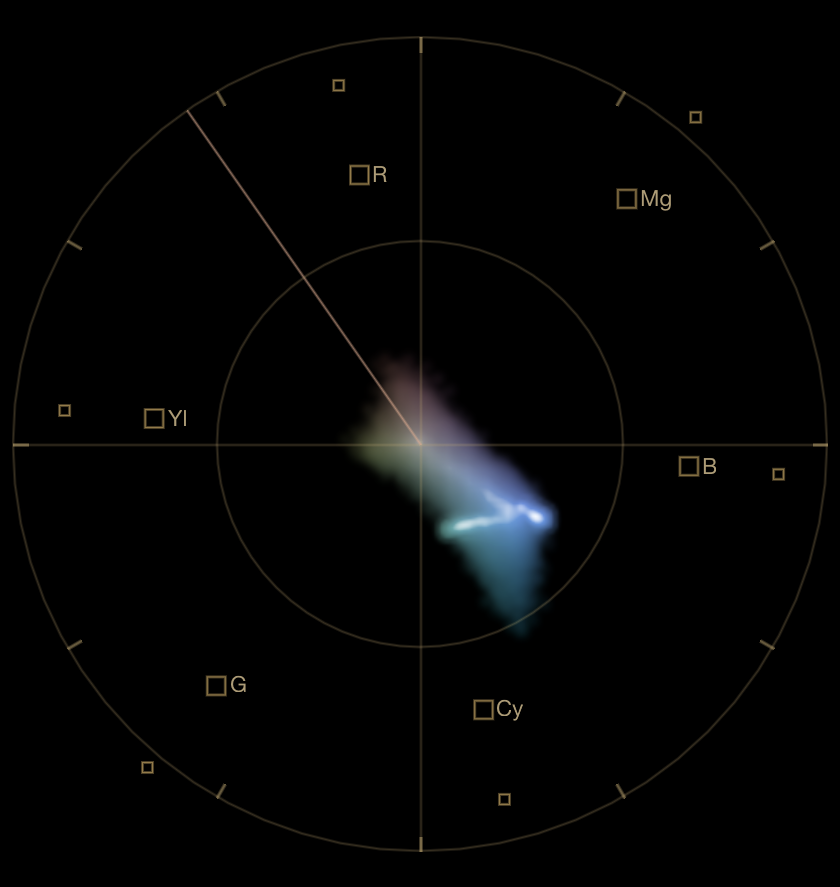
The labeled target boxes mark reference positions for standard Rec.709 color-bar values. SideScopes also draws secondary boxes at full-value positions. They are not gamut boundaries, saturation limits, or print limits. Crossing a box does not establish that a color is illegal or unprintable.
The skin-tone indicator is a directional reference. Skin often forms a trace near it, but undertone, illumination, makeup, camera rendering, and creative grading can move the trace to either side. Use the indicator to notice and compare hue shifts, not to force every complexion onto one line. See Skin tone on the vectorscope for a contextual workflow.
SideScopes projection
SideScopes applies a fixed full-range Rec.709-style RGB-to-Cb/Cr matrix to the captured values. sRGB and Rec.709 share primary chromaticities, but they are not interchangeable descriptions of an entire color pipeline: transfer functions, range conventions, display transforms, and viewing conditions also matter.
The projection is most directly interpretable for SDR, sRGB/Rec.709-like output. SideScopes does not apply the document profile, timeline color space, display ICC profile, or destination gamut when drawing this scope. Its target boxes therefore remain reference positions rather than color-managed gamut tests.
For the implementation boundary, see What SideScopes measures.
References
- ITU-R BT.709 defines the Rec.709 system and its luma/chroma coefficients.
- The DaVinci Resolve Colorist Guide describes professional vectorscope interpretation and treats the skin-tone indicator as a guide rather than a strict determinant.
Next: Waveform.