Color scopes for any region of your screen.
SideScopes measures a selected area of the screen and updates live beside the application you are using. It is free and open source for macOS and Windows.
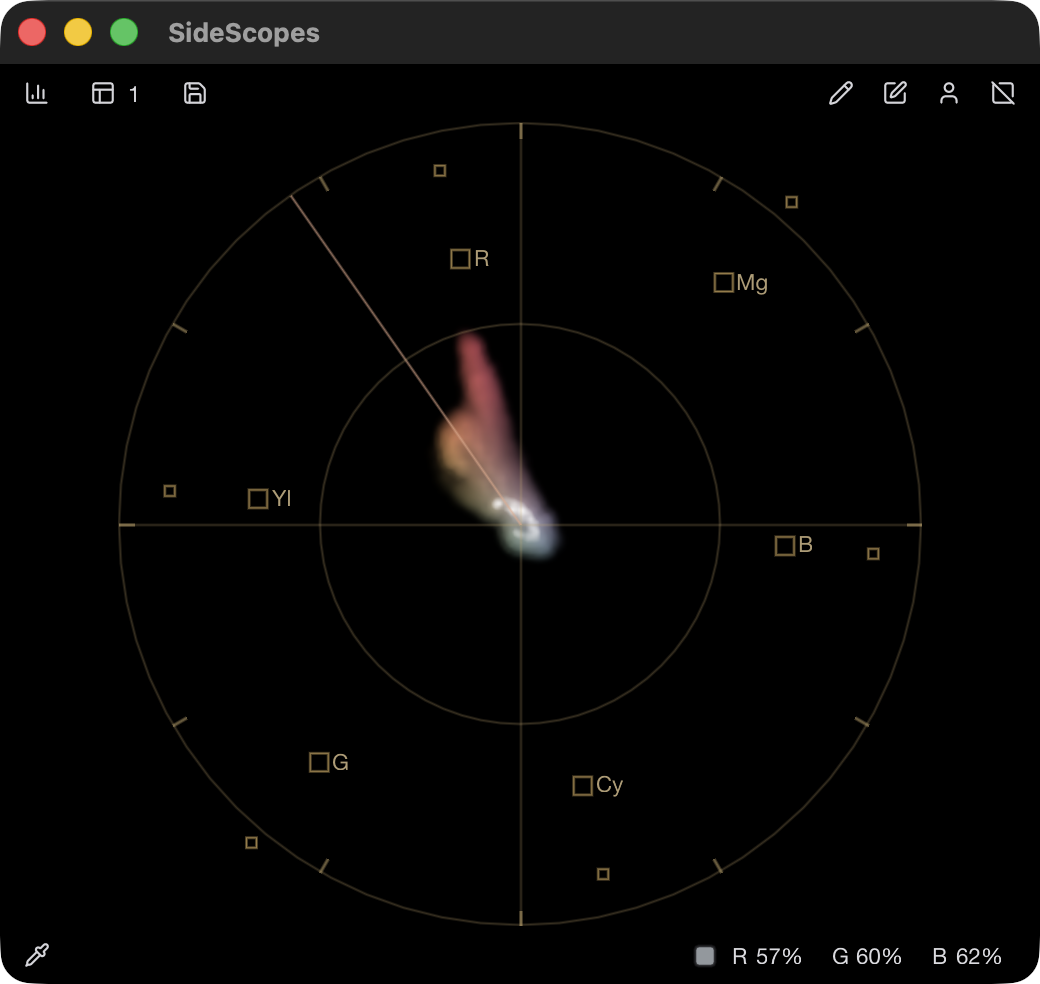
1 Vectorscope
Hue and chroma distribution.
Measure the output you can see
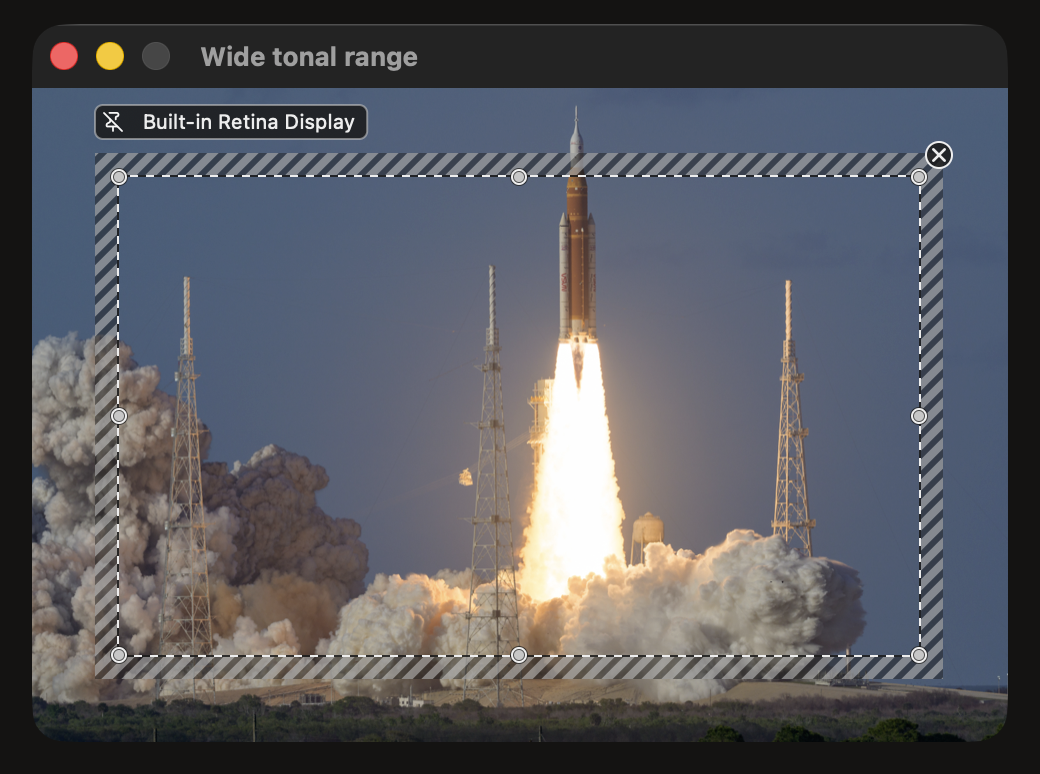
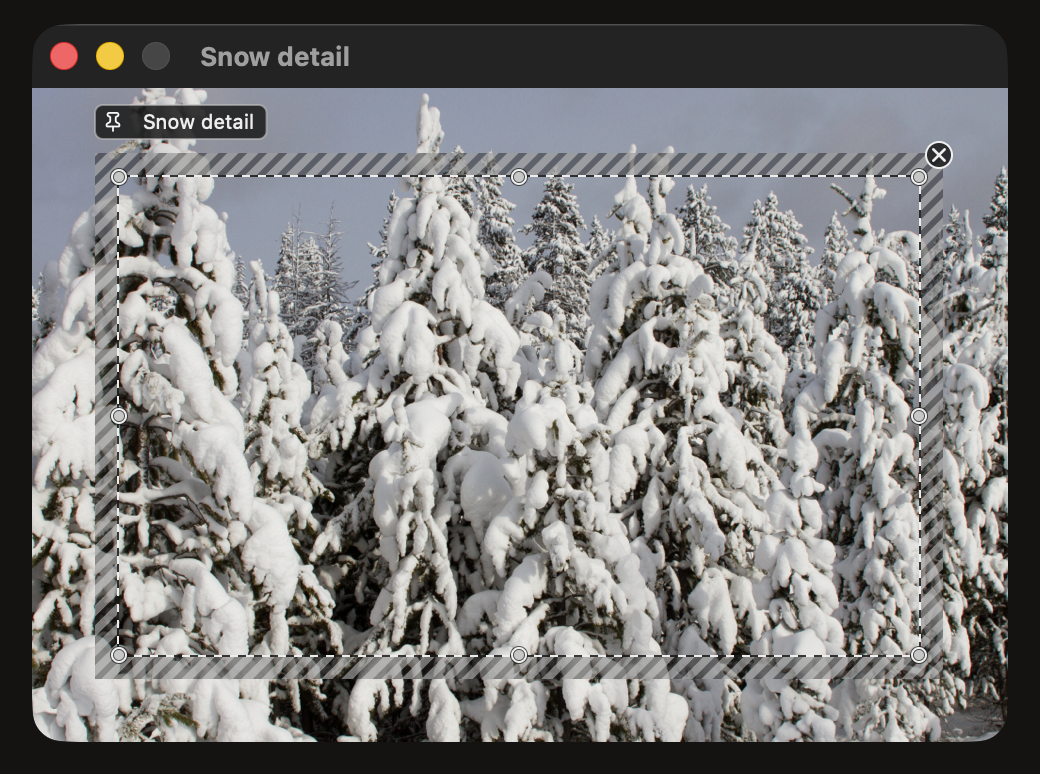
SideScopes analyzes a rectangular area of the composited desktop, so it can work beside grading, editing, viewing, and browser applications without opening their files. The striped editing band shows exactly which pixels feed every visible instrument.
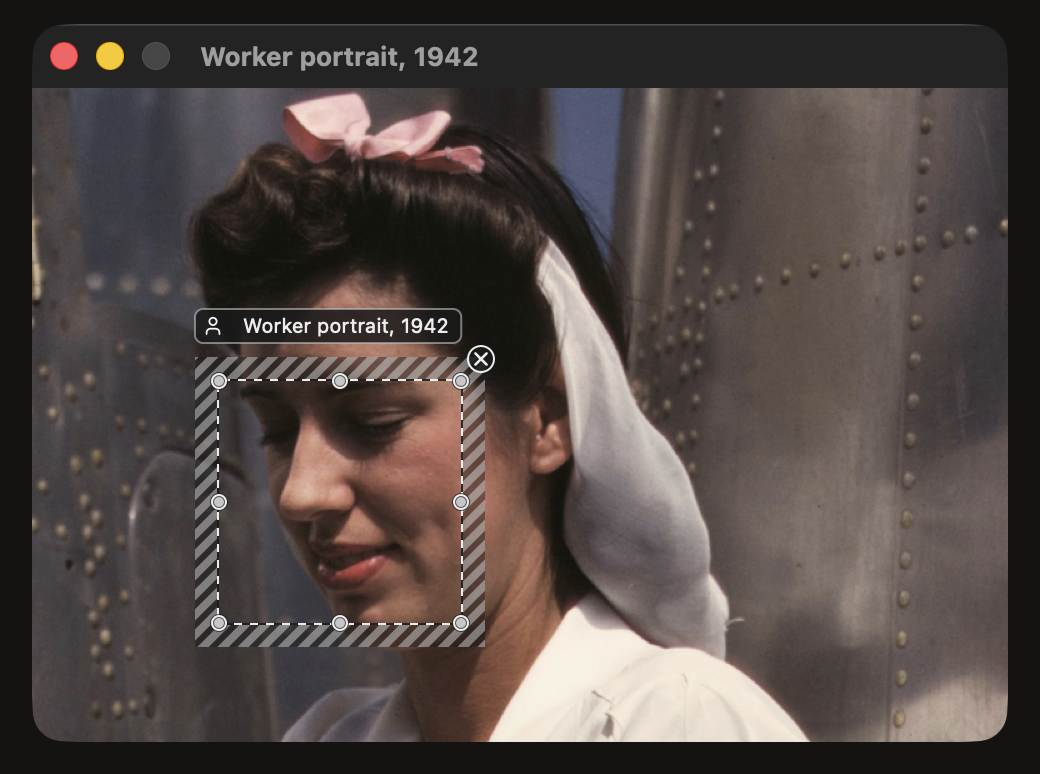
Draw a global region fixed to a display, attach one to a window, or select a detected face. The region remains editable on the desktop, and every active scope measures it at the same time.
1 Global region
Fixed to one display. Its label identifies the display, and windows can move beneath it.
Choose the view that answers the question
Each instrument maps the same selected pixels differently. Use one on its own or combine several in the same window. Each guide explains the axes, interpretation, and limitations.
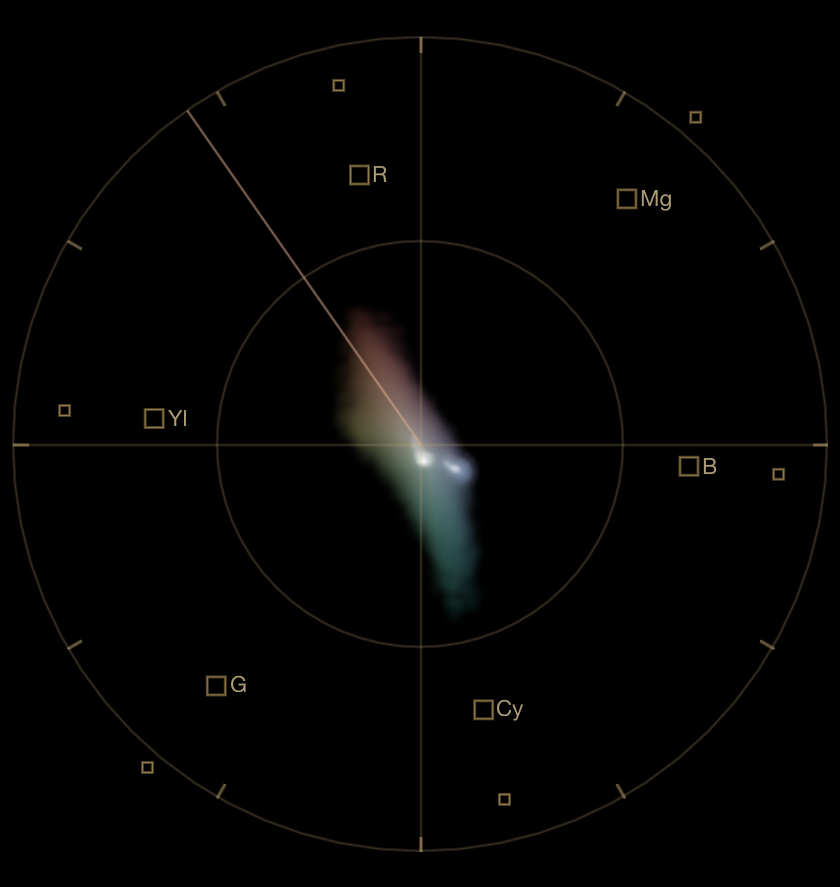
Vectorscope
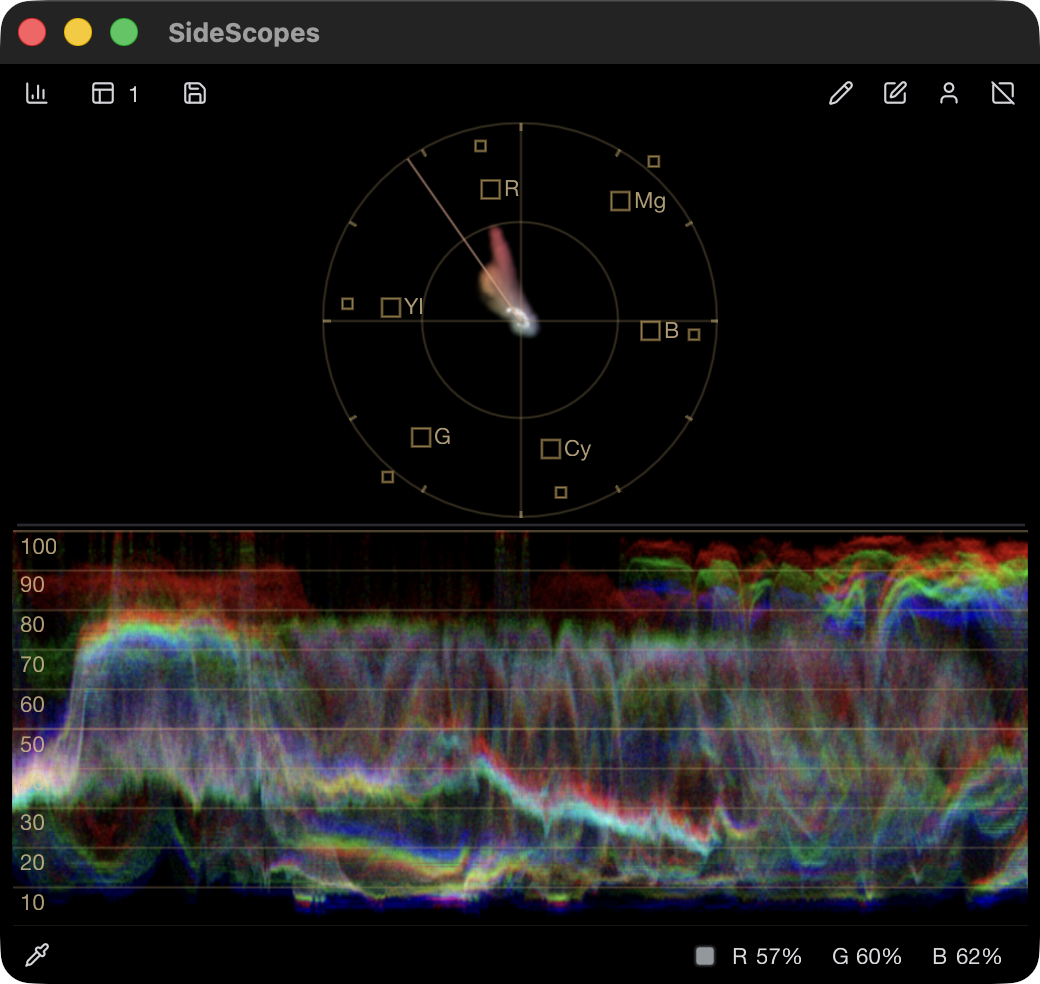
Maps hue by angle and chroma by distance from the center, independently of level and image position.
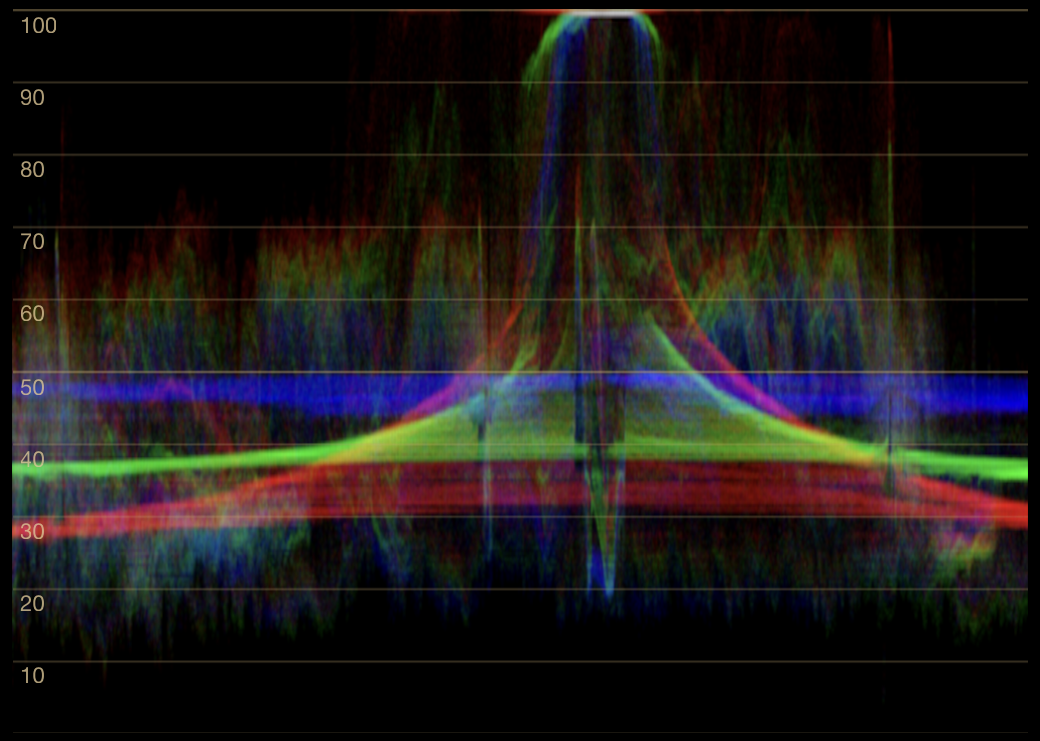
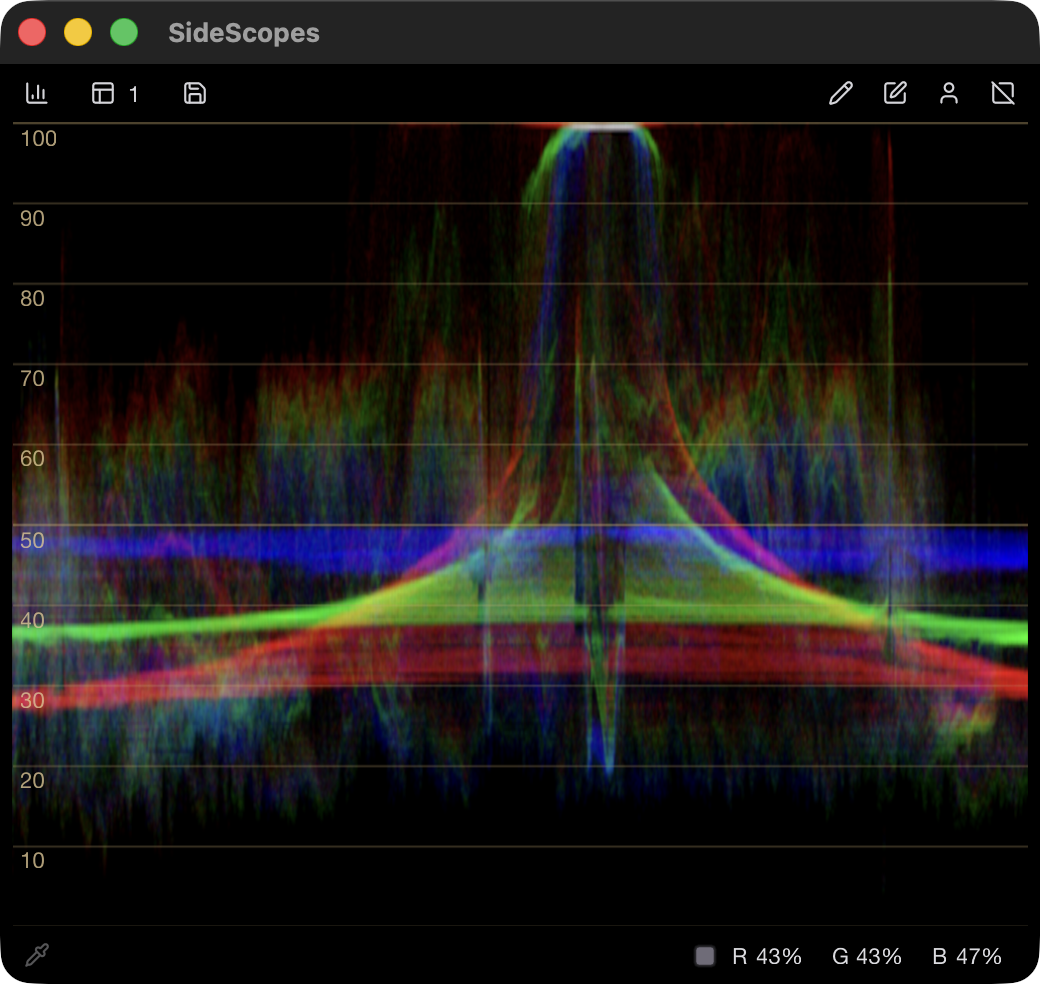
Waveform
Overlays red, green, and blue levels while retaining horizontal image position.
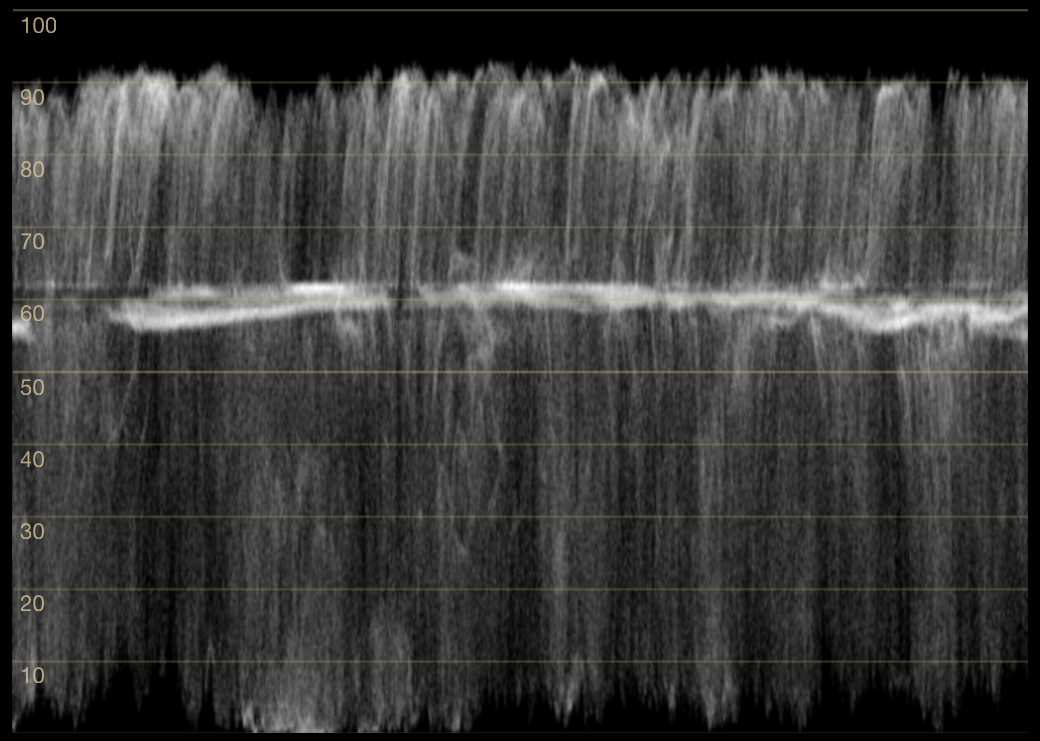
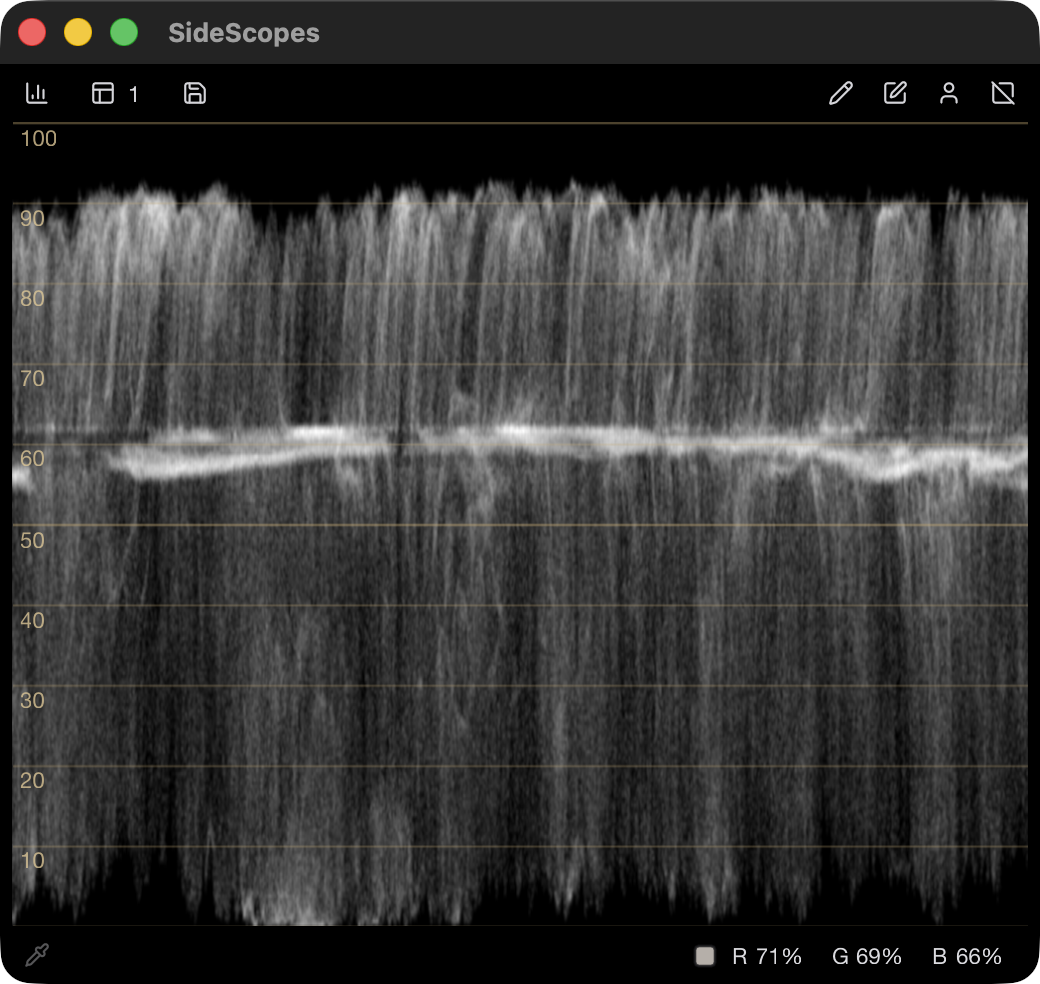
Luma Waveform
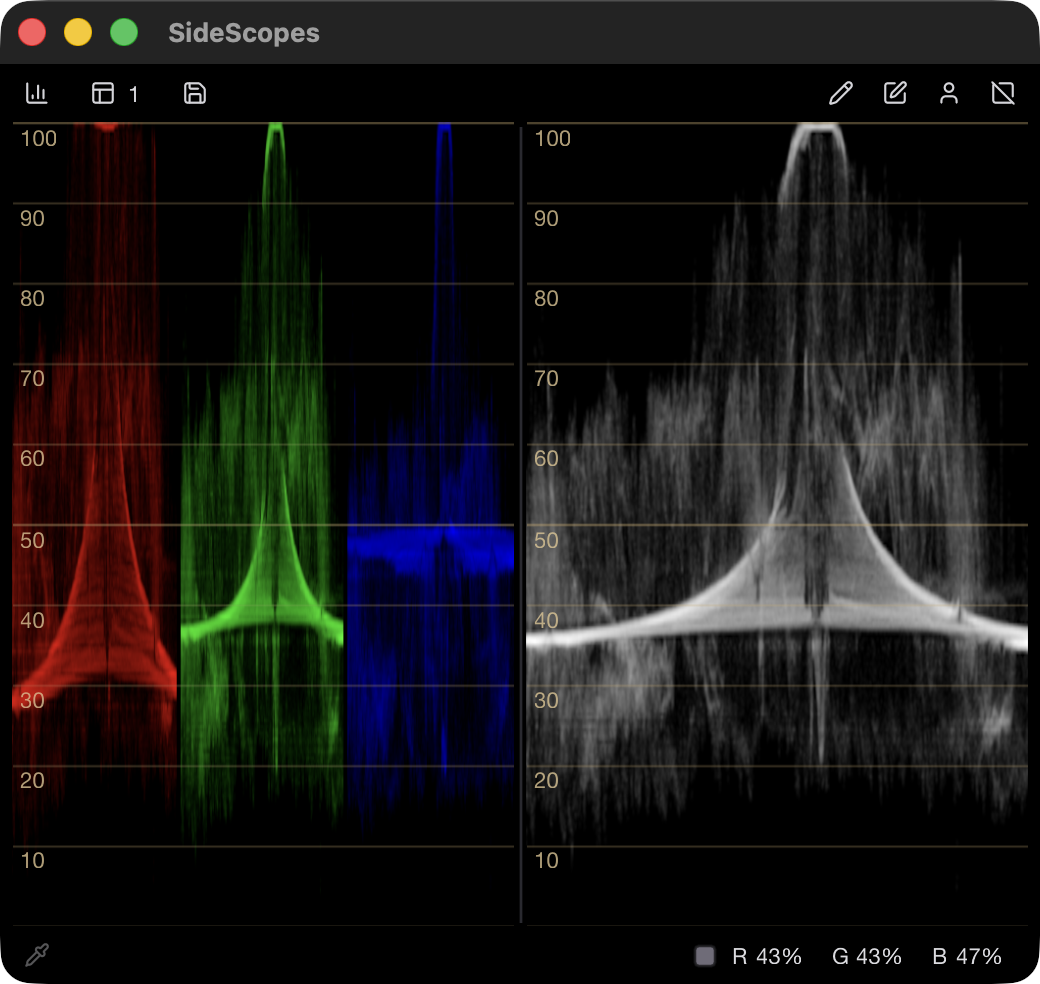
Plots one encoded Y′ trace across the region, making rendered level placement easy to locate.
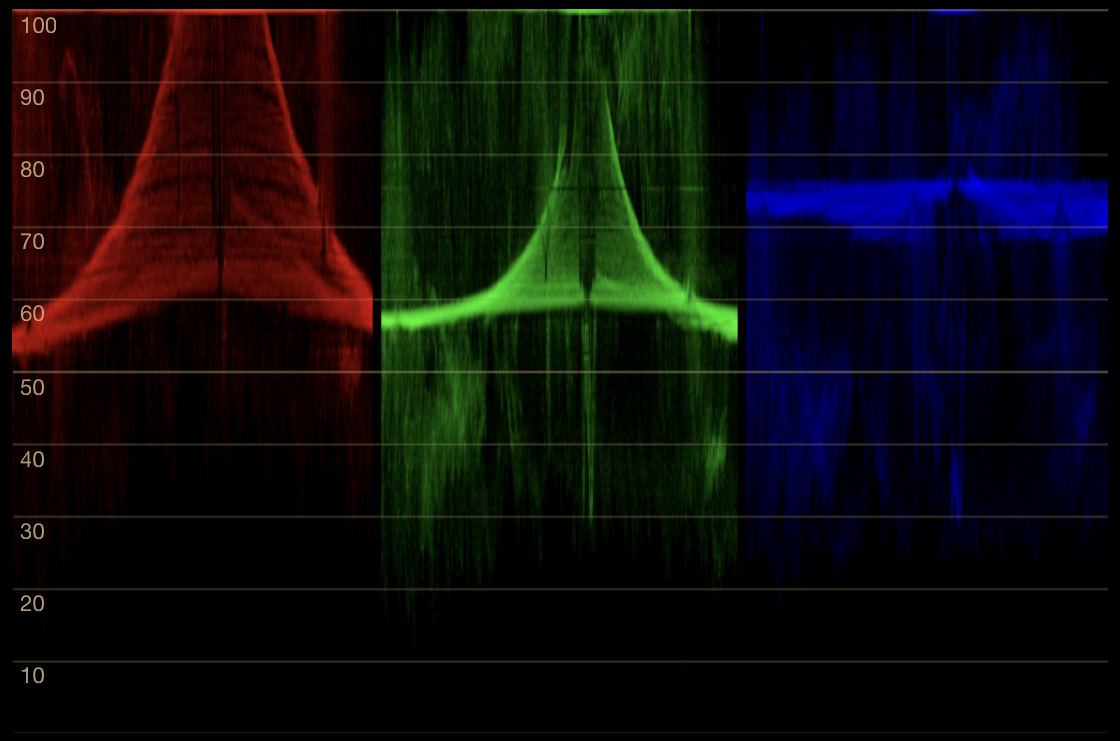
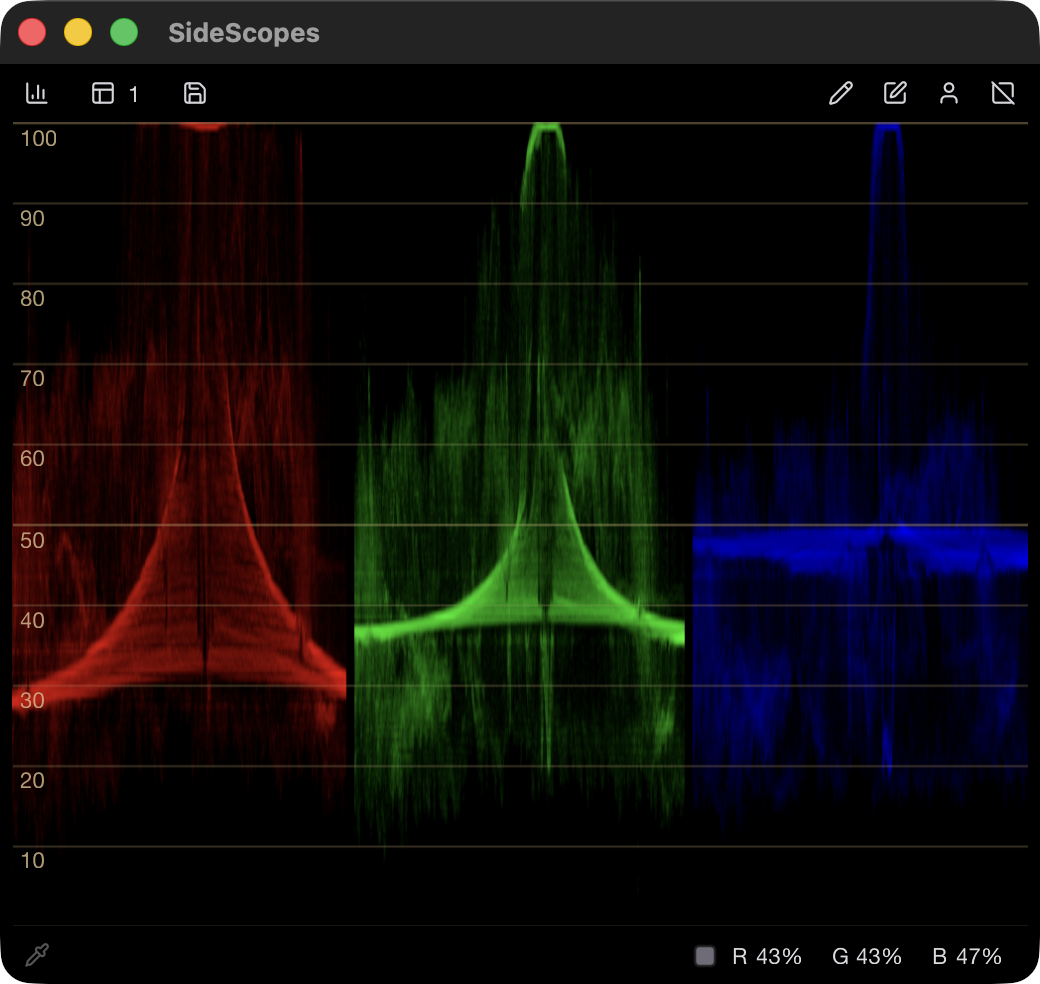
RGB Parade
Separates red, green, and blue into adjacent waveforms for direct channel comparison.
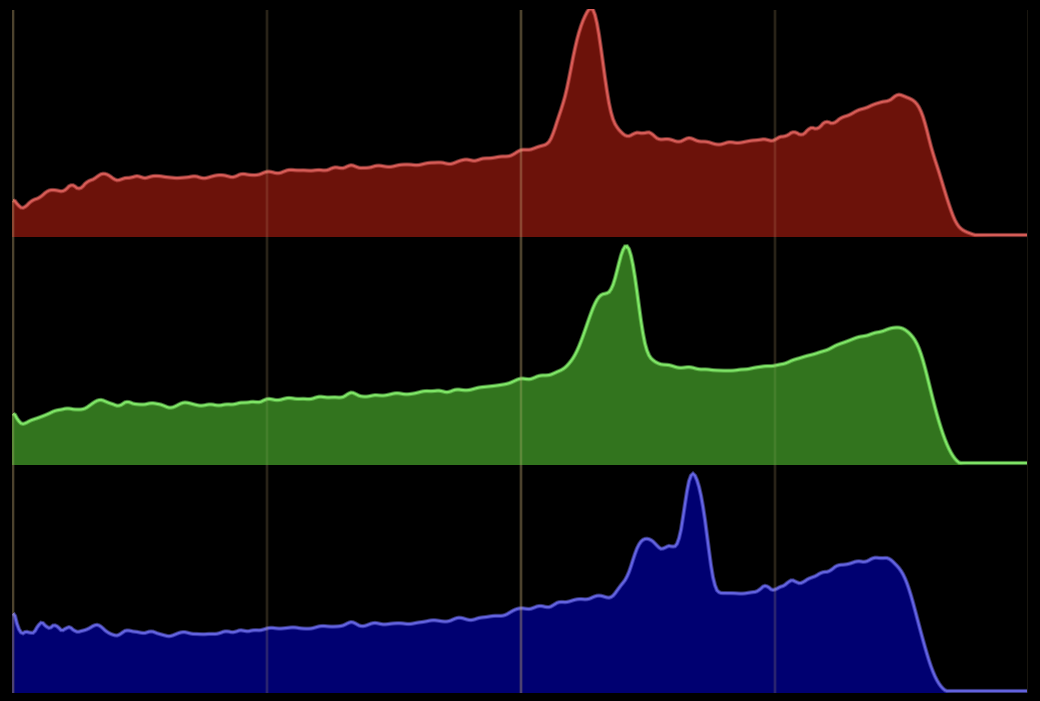
Histogram
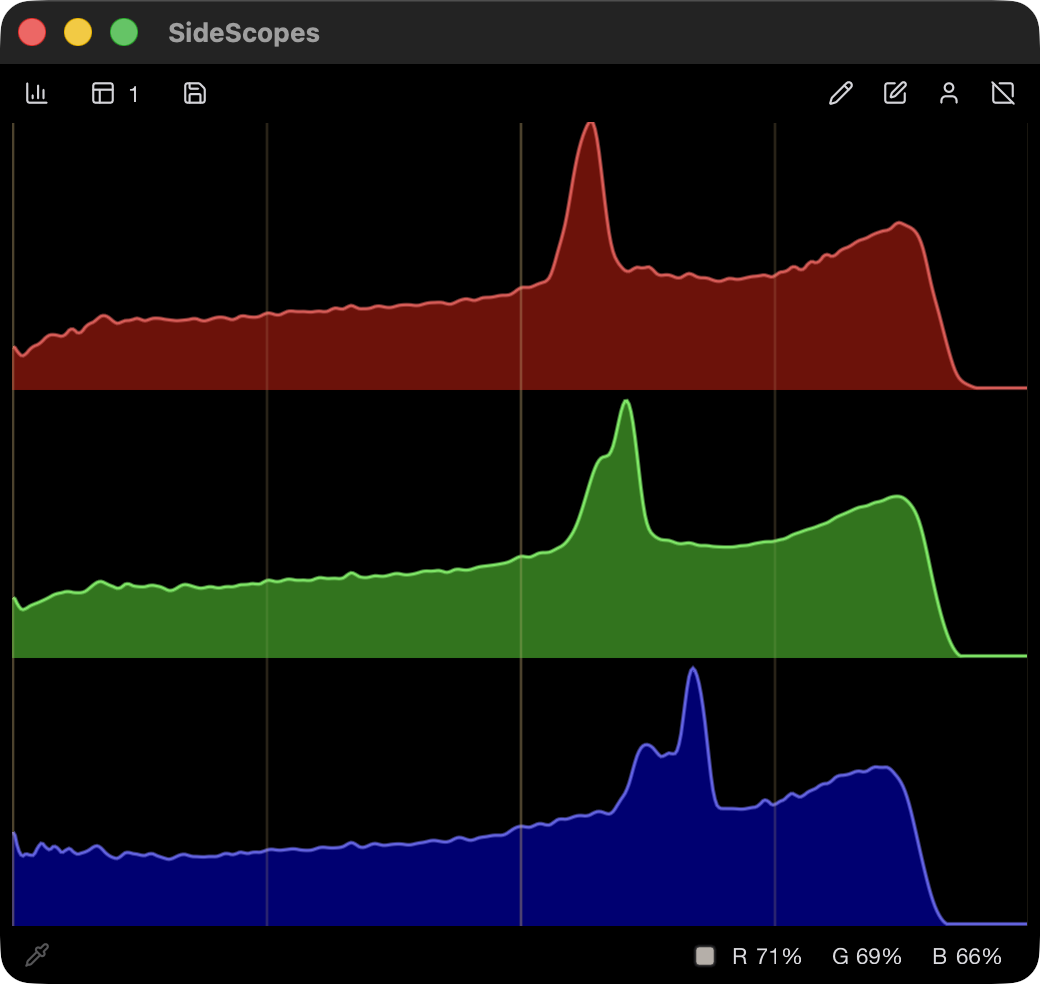
Counts captured channel values without retaining where they occur in the image.
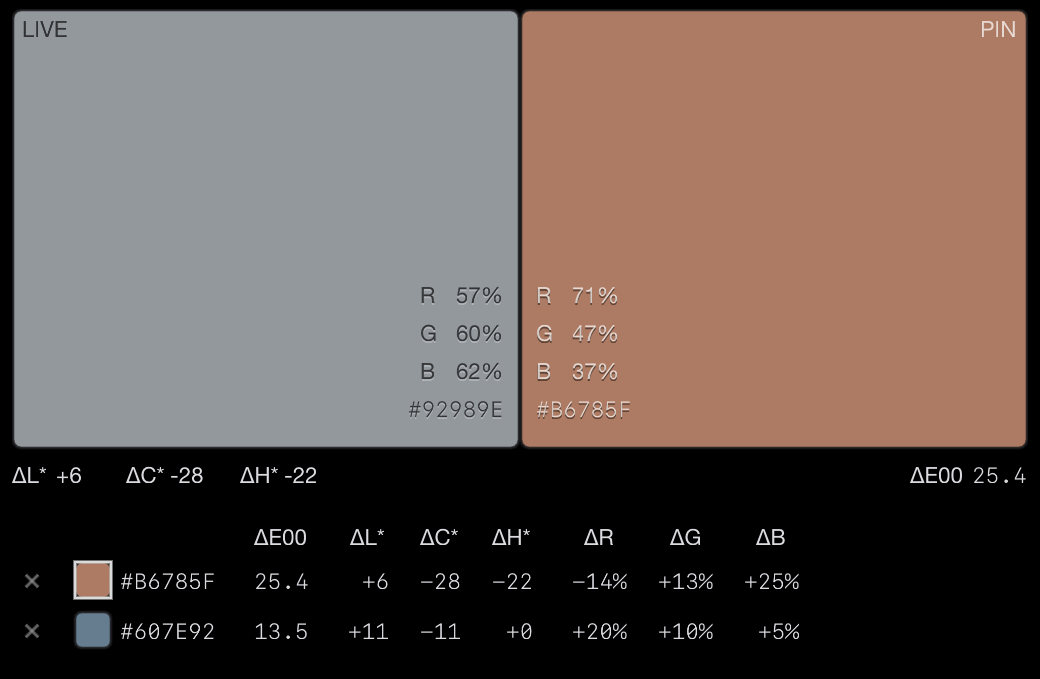
Color Picker
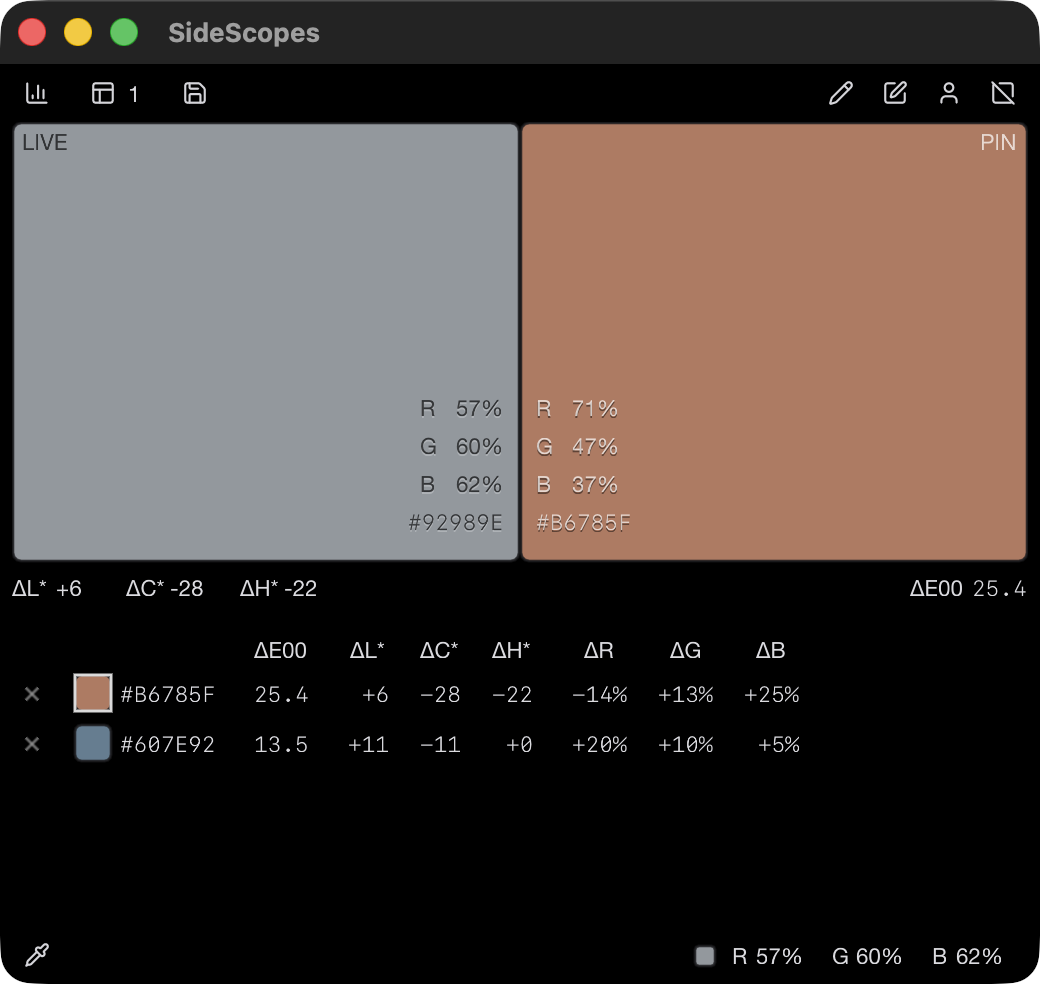
Samples live and pinned colors, reporting RGB values and CIEDE2000 differences under an sRGB assumption.
Change an image and watch the scopes respond
The Interactive Lab runs the application’s scope engines in your browser. Start with a supplied image or load your own, select a region, and adjust color and tone while the traces update.
The adjustment controls are designed for observation and teaching; they do not reproduce the processing of any particular editor. Images you load remain in your browser.
Desktop and Lab
The Lab analyzes still images inside its page. The desktop application measures other applications, follows windows and faces, and keeps its region visible on the desktop.
Display-referred, SDR measurements
SideScopes measures pixels after the source application and operating system have rendered them to the screen. It does not inspect source media, timeline values, RAW data, or exported files, and it is not an ICC soft-proofing or HDR signal-analysis tool.
This boundary matters when interpreting clipping, gamut, white balance, and color-difference readings. The learning pages state the relevant conditions alongside each reading.
10-bit capture on macOS
On macOS, SideScopes requests 10-bit RGB frames and reads any delivered 10-bit samples directly. This can retain finer rendered gradients when the source application and compositor provide them; it cannot create precision absent from the rendered image.
Ten-bit capture does not make SideScopes an HDR scope. HDR and EDR content is measured through the SDR rendition available to screen capture, where values above SDR white may appear clipped. Windows capture is currently 8-bit.
Open source and local
SideScopes is free software under the GNU GPL v3 or later. Its source and build history are public, and release downloads are served by GitHub.
The desktop application requires no account and has no telemetry, updater, or network access. The project is under active development before version 1.0; macOS and Windows builds are available, while Linux is not currently released.